Tender
A Decky Loader plugin that syncs your self-hosted RomM ROM library into Steam as Non-Steam shortcuts. Games launch through RetroDECK.
- Browse your entire RomM library directly from Steam's Gaming Mode
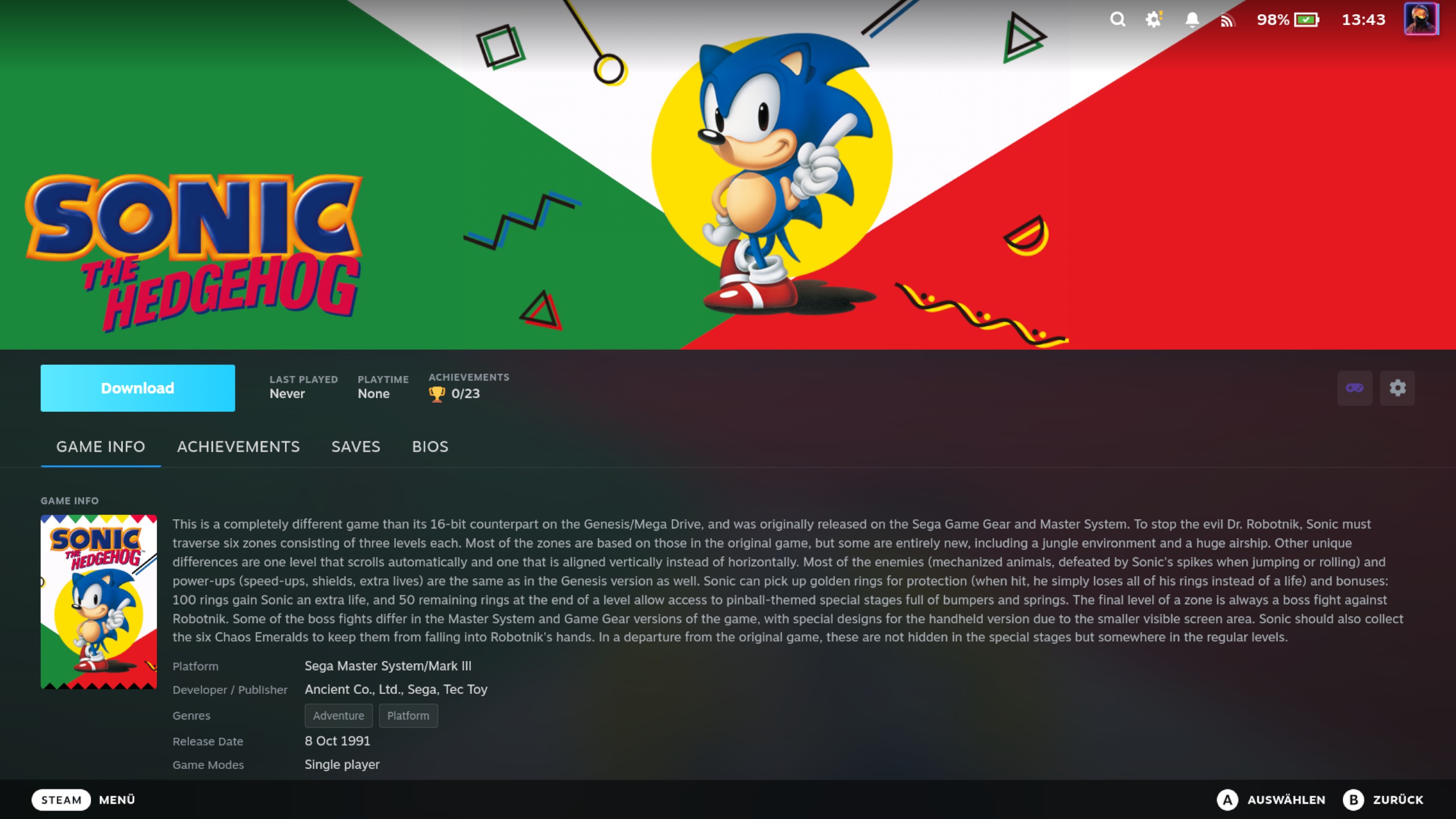
- Download ROMs on-demand with cover art, hero banners, logos, and metadata
- Manage BIOS files for systems that require them
- Sync save files between devices through your RomM server
Pre-1.0 (v0.x)
The feature set isn't complete yet. Save sync covers standard cartridge saves; the memory-card systems — PlayStation, PS2, Dreamcast, GameCube, PSP, 3DS — don't sync their saves yet (support matrix).
How this is built
The code is written by an AI coding agent working under my direction. The architecture, the design decisions and the review are mine, and changes are smoke-tested on real hardware before they ship.
User Guide
- Getting Started — Prerequisites, installation, and first-time setup
- Configuration — Connection settings, SteamGridDB API key, Steam Input, debug options
- Syncing Your Library — How sync works, per-platform toggles, collections, artwork
- Managing Games — Game detail panel, downloading ROMs, uninstalling, refreshing metadata
- BIOS Management — What BIOS files are, checking status, downloading per-platform
- Save Sync — Auto-sync, conflict resolution modes, manual sync, failed sync retries
- Save File Extensions — Which save file extensions RetroDECK's cores produce: the research behind the retired per-system extension list
- Save Sync Support Matrix — What syncs today, what's planned, and what doesn't fit the per-game model
- RetroDECK Path Migration — Moving your RetroDECK installation between storage locations
- Troubleshooting — Common issues, fixes, Data Management explained
Technical Reference
Developer-oriented documentation for contributors and those interested in the internals.
- Steam Non-Steam Shortcuts — AddShortcut API, VDF format, app ID generation
- QAM Panel — Pages and their widths, the wide-page frame, list-and-detail navigation, notices and their homes
- Backend Architecture — Service/adapter architecture, dependency diagram, boundary enforcement
- Config Source Parsers — One-parser-per-source principle, source catalog, parser layout template for local config/metadata files
- Core and Emulator Selection — Per-game vs per-system core overrides, the single read seam, and how the chosen core is baked into the launch command
- Development — Developer setup, building, testing, dev reload
- Save File Sync Architecture — Three-way conflict detection, session tracking, state schema, device registration
- Steam Remote Play and Cross-Device Shortcuts — Remote Play discovery protocol, phantom shortcuts, detection APIs